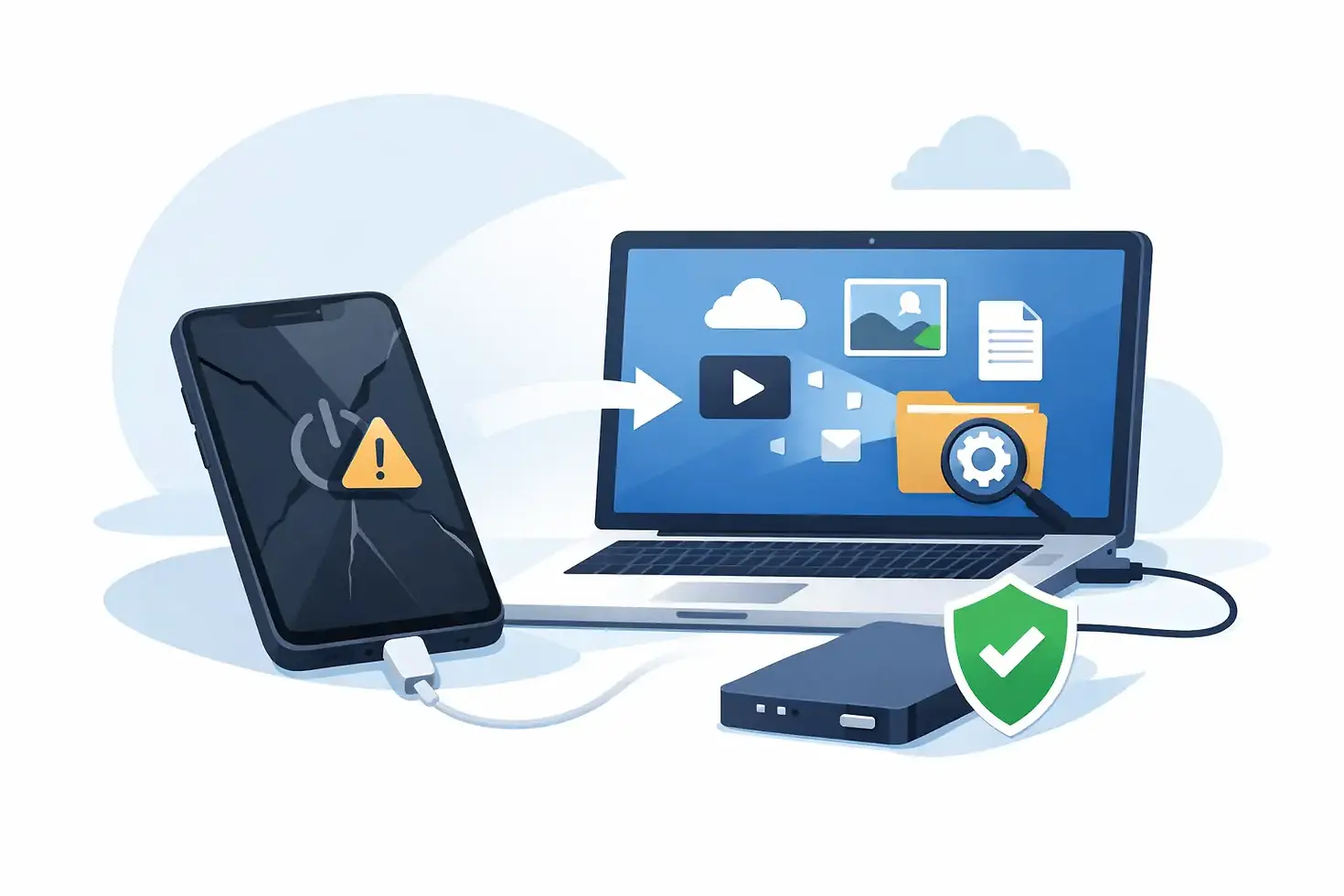
How to Recover Data From Dead iPhone
A dead iPhone changes the question fast. At first it looks like a charging problem, then a bad screen, then a phone that will not boot at all - and suddenly what matters most is not the hardware, but the photos, messages, notes, app data, and business files still trapped inside. If you are searching for how to recover data from dead iPhone devices, the right answer depends on one thing: whether the storage is still intact and whether the phone can be brought back to a readable state.
That distinction matters because iPhones do not behave like old USB drives. You cannot remove the memory chip, plug it into another device, and browse your files. Apple’s security model ties encrypted data to the original logic board, CPU, and storage relationship. In practical terms, data recovery is usually not about extracting data directly from a dead phone. It is about restoring enough board-level function for the iPhone to boot, unlock, and communicate again.
What “dead” really means on an iPhone
A dead iPhone is not always fully dead. In the lab, we see several different failure states that customers describe with the same word. Some phones show no image but still vibrate or make sound. Some have no charge indication because the charging circuit has failed. Others are stuck on the Apple logo, boot-looping, or drawing abnormal current at the board level. Liquid-damaged devices often have multiple faults at once, including corroded lines, shorted power rails, failed Tristar or charging IC behavior, and damaged display circuits that make a live phone look dead.
That is why the first step is diagnosis, not guesswork. If the display is bad but the board is alive, your data may be accessible quickly. If the board has a short on a main power rail, a failed baseband section, damaged NAND communication lines, or severe liquid intrusion, the path is narrower and more technical.
How to recover data from dead iPhone - start with the non-destructive checks
Before anyone opens the phone, rule out the simple scenarios. Try a known-good cable, a known-good power adapter, and a wireless charger if your model supports it. Let it sit on charge for at least 30 minutes. Force restart the device using the button sequence for your model. Connect it to a computer and see whether Finder or iTunes recognizes it, even if the screen stays black.
If the phone is detected by a computer, do not rush into random software tools. Software only helps when the logic board is functional enough to communicate. If the device appears in recovery mode or asks for an update, proceed carefully. An update can be useful when the issue is system-level corruption. It is a bad move when the phone has unstable hardware, low-level storage issues, or liquid damage that can worsen mid-process. A restore erases data, so that is off the table if recovery is the goal.
If the iPhone is making sounds, vibrating, or showing up on a computer, a screen or charging subsystem fault is often the best-case scenario. If there is no current draw, no recognition, and no sign of life, the focus shifts to component-level board diagnostics.
Why software usually does not fix a truly dead phone
This is where many people lose time and data. A phone that does not power on because of a hardware fault cannot be recovered by download-only software. Data recovery programs are often marketed as if they can bypass dead hardware, broken boot circuits, or damaged storage communication. They cannot. If the CPU cannot initialize the system, if the NAND cannot be read properly, or if the board cannot complete the boot sequence, software has nothing to work with.
The exception is when the iPhone is not truly dead and still reaches a functional state internally. For example, a damaged display assembly may leave the owner staring at a black screen while the phone remains booted in the background. In that case, temporary hardware restoration is the real solution, even if the final step is creating a backup through a computer.
The board-level path to data recovery
When an iPhone is electrically dead, data recovery becomes a hardware problem first. That usually means inspecting the logic board under magnification, checking for liquid contamination, measuring power rails, identifying shorts, and mapping where the boot process fails. Serious labs use tools like thermal imaging, DC power supplies, boardview data, microscopes, and precision micro-soldering equipment because this is not a parts-swapping job.
The goal is not always full repair for long-term daily use. In many data recovery cases, the objective is narrower: restore just enough board stability to boot the device, keep it on long enough to unlock it, trust a computer if necessary, and create a full backup. Sometimes that means repairing a damaged power circuit. Sometimes it means replacing a corroded FPC connector, rebuilding torn pads, restoring backlight or display communication lines, or resolving a shorted capacitor network. In liquid damage cases, it can involve multiple failures across different sections of the board.
This is also why chip-off recovery is largely a myth for modern iPhones. Because of encryption and hardware pairing, pulling the NAND and reading it elsewhere does not produce usable user data in the vast majority of real-world cases. Preserving the original logic board environment is what matters.
How to recover data from dead iPhone after water damage
Water damage changes the urgency. The longer corrosion sits on the board, the more likely it is to migrate under shields, eat through traces, and damage critical communication lines between major chips. If an iPhone died after liquid exposure, do not keep charging it, do not heat it with a hair dryer, and do not leave it in rice. Rice does nothing for ionic contamination under shields and connectors.
The right move is immediate internal assessment. In many liquid cases, the phone does not fail from one dramatic event. It fails from progressive corrosion over hours or days. A device that still powers on today may be electrically dead tomorrow. Data recovery odds are usually better when the board is stabilized early, before corrosion causes secondary failures in charging, display output, power management, or storage communication.
What affects the chances of success
The most important variables are the type of failure, whether the storage and CPU relationship remains intact, and whether the phone has been mishandled by failed repair attempts. A simple display or charging fault has a far better outlook than severe multilayer board damage. A clean board with a localized short is usually more recoverable than a heavily corroded liquid-damaged board with torn pads from prior work.
Passcode access also matters. Even if the phone is revived, the data remains encrypted. If the device boots but cannot be unlocked because the passcode is unknown, recovery is limited. The same applies if the phone requires two-factor authentication steps tied to other unavailable devices.
Storage health matters too. NAND failure is one of the harder scenarios. In some cases, the issue is not the storage chip itself but surrounding circuitry or communication lines. In others, the storage has degraded beyond stable operation. That is where precise diagnosis makes the difference between a recoverable board and a board that is truly beyond viable recovery.
When to stop trying things at home
If the phone has no signs of life, has been liquid-damaged, gets hot abnormally, was crushed, or has already failed after a battery or screen replacement attempt, home troubleshooting should stop early. Repeated charging attempts, random part swaps, and low-skill board handling often reduce the chance of successful recovery. The same is true for shops that treat every no-power iPhone like a battery problem.
A real data recovery attempt on a dead iPhone is often a logic board restoration job, not a retail repair counter transaction. That is where specialized microsoldering labs have an advantage. They are built to isolate the actual failure point instead of replacing common parts until the phone either works or gets written off.
For owners in Chicago or customers shipping devices nationwide, GOFIX approaches these cases the way they should be handled - as precision board-level diagnostics with data preservation as the priority, not as a standard repair ticket.
The best next step if the data matters
If your iPhone is dead and the data is important, the smartest move is to protect the device from further damage and get a proper diagnostic before anyone attempts a restore. Keep it off, avoid unnecessary charging if liquid damage is suspected, and do not authorize data-erasing software procedures just because they are easy to start.
A dead iPhone does not always mean lost data. It usually means the recovery path has shifted from software to hardware, and the outcome depends on whether the board can be brought back to a stable, bootable state. When the phone holds irreplaceable information, precision matters more than speed, and the right repair strategy is often what saves the data.


Comments