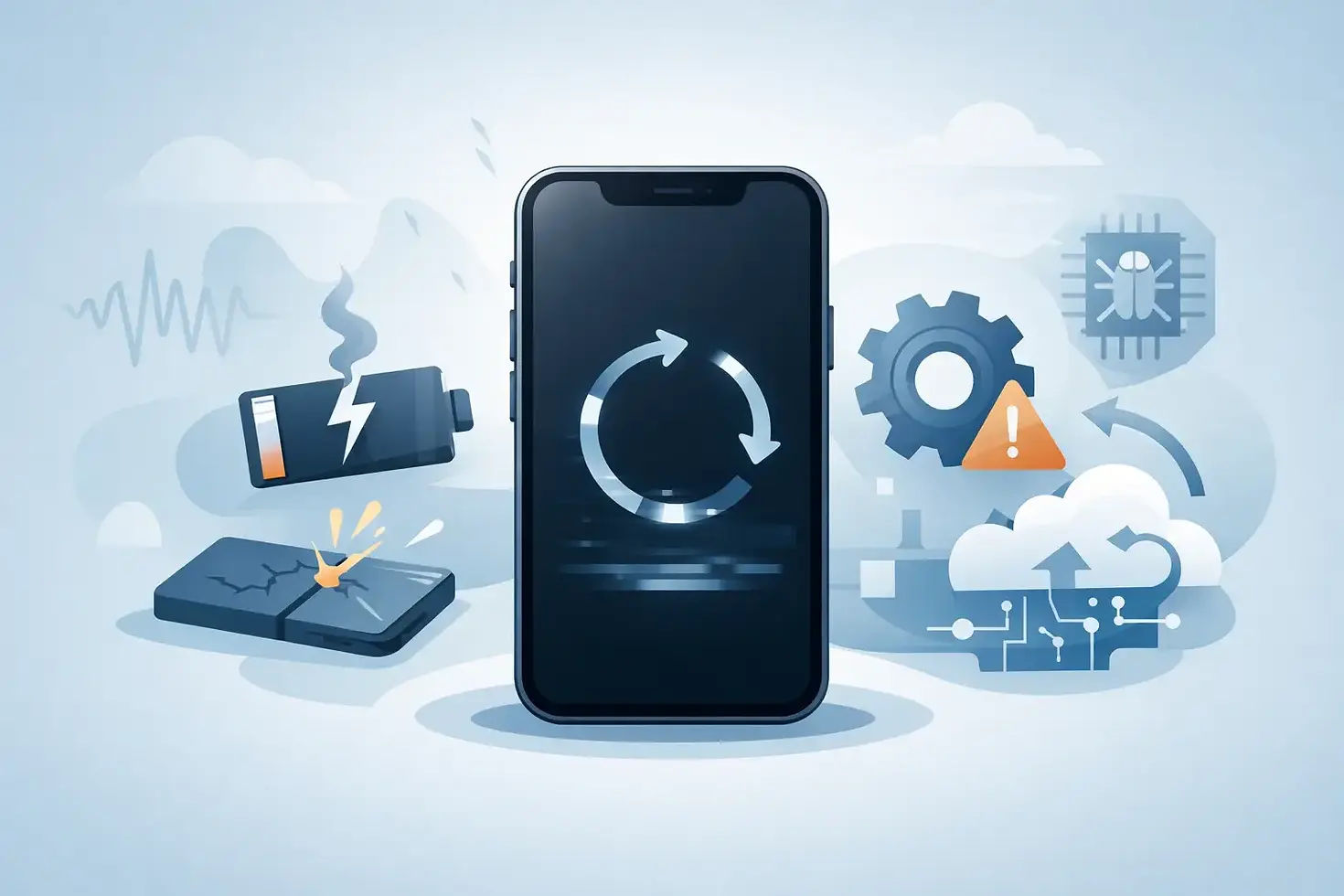
Top Causes of iPhone Boot Looping
- gofixchicago
- Jun 28
- 6 min read
You plug in your iPhone, see the Apple logo, and expect a normal startup. Instead, it restarts, flashes the logo again, and repeats the cycle. The top causes of iPhone boot looping range from simple software corruption to serious board-level faults, and telling the difference early matters if the device holds critical data.
A boot loop is not a diagnosis by itself. It is a symptom. In a repair lab, that distinction matters because two iPhones can show the exact same restart behavior while failing for completely different reasons. One may recover with a clean software restore. The other may have a shorted power rail, NAND communication fault, damaged flex line, or liquid-damaged logic board that no amount of updating will fix.
What boot looping actually means
An iPhone boot loop happens when the startup sequence begins but cannot complete. The device reaches the Apple logo, sometimes progresses to a loading bar, then resets before iOS fully loads. In some cases, it cycles continuously. In others, it may loop only when connected to power, only after an update, or only when certain components are attached.
That pattern matters. A phone that loops after a failed update points in a different direction than one that loops after a drop, charging issue, or liquid exposure. Professional diagnosis starts by identifying what changed before the problem began.
Top causes of iPhone boot looping
Failed iOS updates and corrupted system files
This is one of the most common causes, and it is the reason many users assume every boot loop is software-related. During an iOS update, the phone rewrites critical system partitions. If the process is interrupted by low battery, unstable storage behavior, poor cable connection, or an underlying hardware issue, the operating system may not complete installation cleanly.
When that happens, the phone can get stuck trying to start from damaged or incomplete system data. You may see the Apple logo, a progress bar that never finishes, or recovery mode prompts. Sometimes a restore resolves it. Sometimes the failed update is only exposing a deeper storage or logic board problem that was already developing.
Insufficient or failing NAND storage
The iPhone depends on NAND storage not just for photos and apps, but for the core operating system and boot process. If the NAND chip is deteriorating, has corrupted sectors, or cannot maintain stable communication with the CPU, the phone may fail during startup and restart repeatedly.
This is where surface-level troubleshooting starts to break down. A device with NAND-related failure may appear to restore successfully, then boot loop again. It may freeze during verification, fail updates repeatedly, or show intermittent restart behavior before becoming a full loop case. Storage faults require board-level testing, not guesswork.
Battery and power delivery instability
An iPhone does not need a completely dead battery to boot loop. It only needs unstable voltage during the startup sequence. If the battery has severe internal resistance, the charging circuit is compromised, or the power management path on the board is unstable, the device may reset every time current demand spikes during boot.
This is why some phones loop on the Apple logo but appear normal while sitting on a charger, and others do the opposite. Startup places a different load on the system than idle charging. If the battery is weak, replacing it may solve the issue. If current draw behavior points to a board-level fault, the battery is only part of the story.
Liquid damage affecting power rails or data lines
Liquid damage is one of the most misdiagnosed sources of boot looping because symptoms can be delayed. A phone may work for days or weeks after exposure, then start restarting, refusing to update, or boot looping without warning. Corrosion under shields, around connectors, or along critical power rails can create partial shorts and unstable communication between major components.
What makes liquid damage tricky is that it rarely fails in a clean, obvious way. A tiny corroded point on a line tied to storage, baseband, display communication, or a sensor circuit can interrupt startup. In a lab setting, this is where thermal imaging, microscope inspection, diode mode analysis, and current draw profiling become valuable. The issue is not the presence of liquid alone. It is which circuit was compromised.
Damaged flex cables or peripheral components
Not every boot loop starts on the logic board itself. The iPhone checks multiple peripheral systems during startup. If a front sensor assembly, charge port flex, button line, display-related circuit, or other connected component has been damaged, shorted, or replaced with a defective part, the phone may fail to complete boot.
This is especially common after drops, low-quality prior repairs, or partial liquid exposure. A torn flex, cracked connector, or failed peripheral can trigger repeated restarts even when the board is otherwise repairable. Experienced technicians isolate these faults by disconnecting known failure points and testing boot behavior in stages. That approach is far more reliable than replacing random parts.
Logic board damage after impact
A hard drop does more than crack glass. Mechanical shock can fracture solder joints, stress stacked board connections, damage FPC connectors, or create intermittent faults in critical circuits. In newer iPhones with dense board architecture, even a small separation or cracked pad can create unstable startup conditions.
Impact-related boot loops often show inconsistent behavior at first. The phone may work when pressure is applied, restart when moved, or fail only after heating up. Those are not normal software symptoms. They point toward a physical integrity problem on the board that needs component-level inspection.
Baseband and communication faults
Some iPhones boot loop because the device cannot complete initialization of communication subsystems. Baseband issues, damaged RF sections, or faults tied to modem power and data lines can interrupt startup. This becomes more likely after liquid damage, severe drops, or prior repair work near sensitive board areas.
These cases can be deceptive because the phone may still show the Apple logo normally. The restart happens later in the startup process, once iOS attempts to bring communication hardware online. Depending on the model, the device may also show missing IMEI, no modem firmware, or repeated restore failures.
Why DIY fixes sometimes make the problem worse
A restart force command, recovery mode update, or restore attempt is reasonable when the problem clearly began after a routine software event. The problem is assuming that every boot loop belongs in that category.
If the phone has liquid exposure, unknown repair history, charging instability, or signs of board damage, repeated restore attempts can waste time and increase risk to the data. The same goes for random part swapping. Replacing a battery, screen, or charge port without diagnostic evidence can confuse the fault pattern and make advanced repair less efficient.
Boot looping is one of those symptoms where the next step depends on context. If there is no data urgency and the phone simply failed after an update, software recovery may be the first move. If the device contains important business data, family photos, or irreplaceable records, precision diagnosis should come first.
When the top causes of iPhone boot looping point to hardware
There are a few signs that strongly suggest a hardware path. If the phone boot loop started after liquid contact, after a drop, after overheating, or after third-party repair work, hardware becomes far more likely. The same is true if the device will not complete a restore, disconnects unpredictably from a computer, or loops even with known-good external components isolated.
At that stage, proper diagnosis means measuring rails, checking for shorts, verifying connector integrity, reviewing current draw behavior, and evaluating communication between storage, CPU, power management, and peripherals. That is very different from standard retail repair workflow. It is lab work.
For difficult cases, a shop equipped for component-level logic board restoration can often identify whether the fault is recoverable, whether the issue is isolated to a peripheral line, or whether deeper board repair is required. That matters for both cost control and data preservation.
The real question is not why it loops, but what failed first
Boot looping looks dramatic, but the Apple logo cycle is only the visible part of the failure. The underlying cause could be corrupted iOS, unstable power delivery, damaged NAND, liquid intrusion, peripheral shorting, or logic board fracture. The right repair depends on identifying the first failed point, not the last symptom on screen.
If your iPhone is stuck in a restart cycle, resist the urge to treat it like a generic software glitch. A clean diagnosis saves time, avoids unnecessary parts replacement, and gives you the best chance of restoring both the device and the data that still may be on it.



Comments