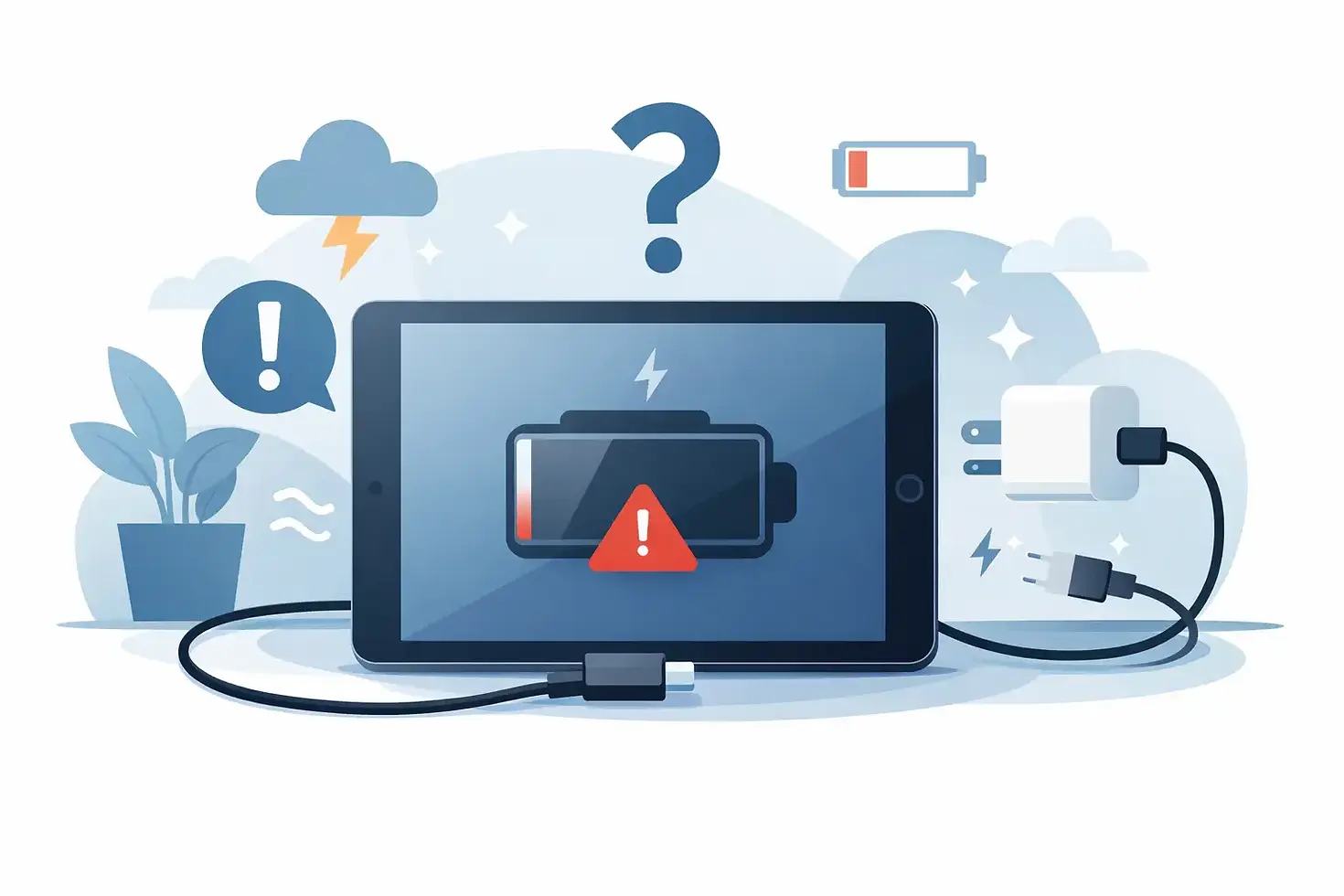
Why Is My iPad Not Charging?
- gofixchicago
- May 31
- 6 min read
You plug in your iPad, expect the battery percentage to climb, and nothing happens. If you're asking, why is my iPad not charging, the answer can be as simple as debris in the port or as serious as a failed charging circuit on the logic board. The key is knowing which symptoms point to a routine fix and which ones suggest a hardware fault that needs component-level diagnostics.
Why is my iPad not charging if the cable looks fine?
A charging problem is not always caused by the obvious part. Many iPads arrive with a perfectly good cable and adapter, but the real issue is poor contact inside the port, unstable current negotiation, battery management failure, or board-level damage affecting the USB charging path.
Apple devices are selective about power quality. A charger may physically fit and still fail to deliver the voltage and current the iPad expects. That is especially common with worn third-party cables, low-quality adapters, or damaged USB-C and Lightning connectors that intermittently connect under pressure but drop power as soon as the device moves.
The first distinction to make is whether the iPad is not charging at all, charging very slowly, or showing the charging symbol without actually gaining battery percentage. Those are three different failure patterns, and each points in a different direction.
Start with the external charging path
Before assuming internal damage, test the full charging chain. Use a known-good Apple or high-quality certified cable and adapter. If you have access to another compatible charger with adequate wattage, test that too. Some iPads require more power than a weak phone adapter can supply, especially if the battery is deeply discharged or the device is in use while charging.
Then inspect the charging port under bright light. Pocket lint, dust, corrosion, and bent pins are common. On Lightning models, compacted debris can prevent the cable from seating fully. On USB-C models, contamination or pin damage can interfere with power delivery negotiation.
If the connector feels loose, only charges at an angle, or disconnects with minor movement, the port may be mechanically damaged. Sometimes that is limited to the port assembly. Sometimes the repeated strain has damaged the soldered connection or surrounding pads deeper in the board.
Software and power state issues can mimic hardware failure
Not every dead-looking iPad has a failed charging system. If the battery is deeply depleted, the device may need several minutes on a proper charger before any image appears. In some cases, the screen stays black while the battery slowly recovers enough voltage for the charging controller to initialize.
A forced restart is worth trying, particularly if the iPad shows a charging icon but remains unresponsive. Software crashes, boot loops, and power-management glitches can create the impression that charging has failed when the issue is really startup-related.
Temperature matters too. If the iPad is too hot or too cold, charging may pause by design. That is normal battery protection behavior, not necessarily a defect. Let the device return to room temperature and test again before assuming hardware damage.
When the battery is the problem
Battery aging is one of the more common answers to why is my iPad not charging, but it is not the only one. A degraded battery can refuse to accept charge, charge erratically, shut down under load, or remain stuck at a low percentage. Swelling is an immediate red flag and should be treated as a safety issue.
That said, battery symptoms overlap with board faults more than most people realize. An iPad with a failing charging IC, damaged Tristar-type communication circuit on certain models, or a compromised power rail can behave like it needs a battery when the battery is not the root cause. This is where accurate diagnosis matters. Replacing parts by guesswork gets expensive fast.
A battery-related failure is more likely when the device powers on with external power but dies quickly off the charger, gets unusually warm while charging, or shows rapid percentage jumps. But even then, a current draw test is more reliable than symptom-based assumptions.
Port damage versus logic board damage
The charging port is the first mechanical point of failure, but it is not the only one. Repeated insertion force, cheap cables, liquid exposure, and drops can create hidden electrical damage beyond the connector itself.
On some iPads, the charge port assembly is a separate service part. On others, diagnosis has to account for board-side charging filters, fuses, MOSFETs, and PMIC-related faults. If the port has already been replaced and the device still will not charge, that strongly suggests the problem extends into the logic board.
Liquid damage is especially deceptive. A device may charge intermittently for days or weeks after exposure, then stop once corrosion advances into the charging circuit. Under digital microscopy, it is common to find oxidized pads, damaged filters, or shorted components in areas that looked clean from the outside.
Signs of a board-level charging fault
Some symptoms suggest a deeper electrical issue rather than a basic accessory problem. If the iPad is completely dead and draws no current from a known-good charger, if it spikes current and immediately drops, or if it gets stuck at the Apple logo only when connected to power, a board-level fault becomes much more likely.
Another warning sign is an iPad that says it is charging but actually loses battery percentage during use, even on a proper adapter. That can indicate the charging path is unstable, restricted, or partially shorted. Likewise, if the device connects to a computer inconsistently, fails to negotiate data, or only recognizes power on one cable orientation with USB-C, the issue may involve port communication lines rather than raw power delivery alone.
In a repair lab, these failures are separated using current draw behavior, thermal imaging, diode mode measurements, and inspection of the charging subsystem under magnification. That process matters because "not charging" is a symptom, not a diagnosis.
What you can safely try at home
You do not need lab equipment to rule out the easy causes first. Test a known-good cable and adapter with enough wattage. Clean the port carefully with non-metal tools and good lighting. Let a deeply discharged iPad sit on the charger for at least 20 to 30 minutes. Try a forced restart. Remove any case or accessory that may interfere with connector seating.
If the iPad has had recent liquid exposure, stop charging it aggressively and avoid repeated power attempts. That can worsen corrosion or turn a recoverable fault into a more severe board failure. The same caution applies if the device becomes unusually hot around the port or logic board area.
What you should not do is keep swapping random parts or use excessive force inside the port. Charging failures often look simple from the outside and turn into expensive damage when handled without proper diagnostics.
When professional diagnosis makes sense
If basic testing changes nothing, the value is in finding the exact failure point. A serious repair shop should be able to determine whether the fault is the cable path, charging port, battery, power management circuit, or a short on the board. Those are very different repairs with very different cost structures.
This is where specialized board work separates a true electronics lab from a standard storefront. A shop experienced in component-level logic board restoration can trace missing power rails, identify failed charge-control components, and restore damaged pads or connectors with precision micro-soldering instead of defaulting to full device replacement.
For users with critical data, that distinction matters. Many iPads that appear fully dead are still recoverable when the charging failure is isolated correctly. GOFIX handles these advanced cases with lab-grade diagnostics for customers who need more than a basic parts swap.
Why is my iPad not charging after a drop or liquid spill?
Impact and liquid exposure change the equation. A drop can crack solder joints, fracture internal layers, or damage the port and surrounding circuitry without leaving obvious cosmetic clues. Liquid can create corrosion, short lines together, or degrade power-management components over time.
If the charging issue started after either event, do not assume a battery replacement will fix it. Those scenarios have a much higher probability of board-level damage. The right response is targeted diagnosis, not trial-and-error repairs.
An iPad that will not charge is not always a major failure, but it is often more technical than it first appears. Start with the charger, cable, and port. If the symptoms persist, the fastest path is a precise diagnosis that identifies whether the fault is external, mechanical, or deep in the charging circuit. That saves time, protects the device, and gives you a real chance at full recovery instead of another guess.



Comments